World Cup 2026 4K Streaming and Ultra HD Guide

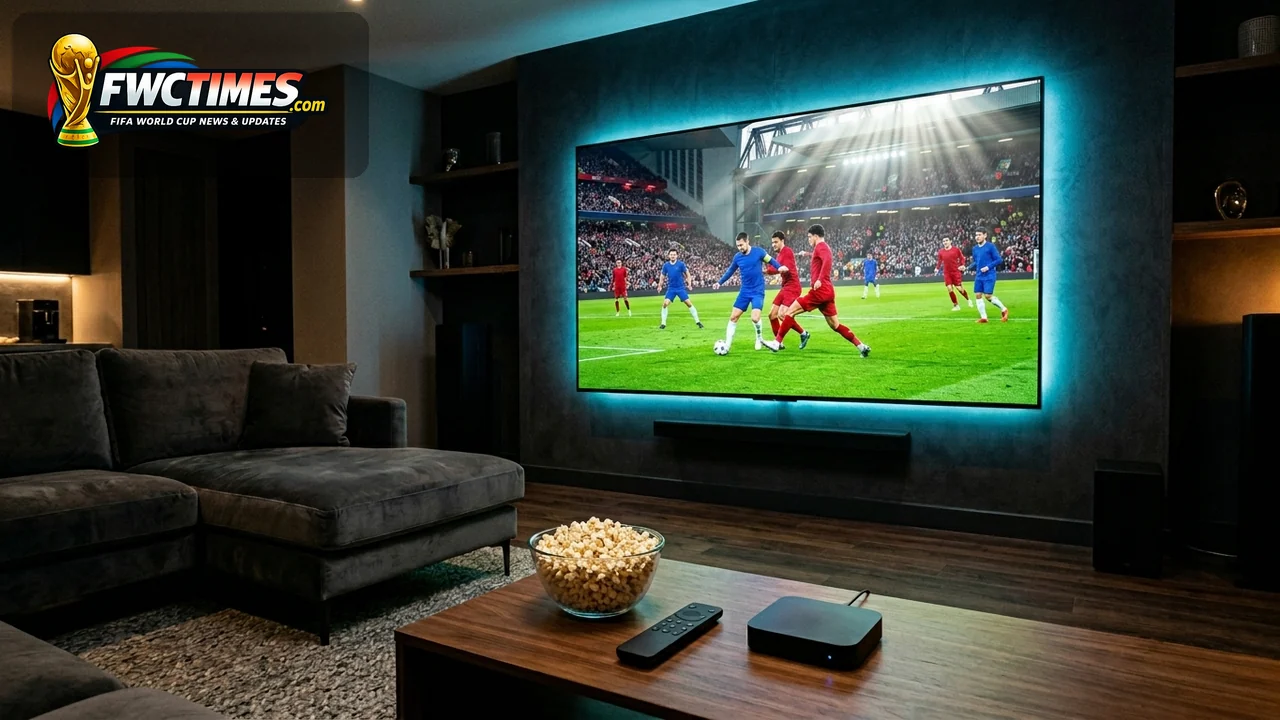
Soccer fans can watch all one hundred and four tournament matches using World Cup 2026 4K streaming options. This ultra-high-definition coverage will provide incredible visual details for spectators watching at home. In fact, several major broadcasters have confirmed native or upscaled UHD feeds for their regional applications. Viewers should check their local network plans to secure compatible streaming access before kickoff.
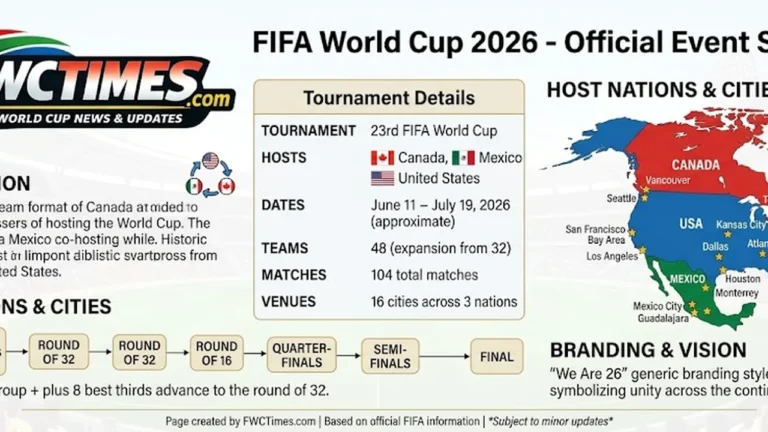
The tournament features forty-eight national teams competing across three host countries. Supporters of teams like Germany and Spain can follow the action in high resolution. As a result, you will enjoy vibrant colors and smooth motion during intense matchups. This guide highlights the best official options for your television setup.
World Cup 2026 4K Streaming Options by Country
in the US, FOX Sports will broadcast matches in upscaled ultra-high-definition format. Fans can access the feed through the official FOX One application on compatible devices. Since many pay-TV providers also offer UHD feeds, subscribers can watch through cable boxes. You should verify your hardware specifications to support high dynamic range content.

German viewers can use the MagentaTV platform to stream matches in full UHD quality. The service plans to cover all fixtures live from opening day until the final. On top of that, other European networks will share regional high-definition streams. Fans can check the World Cup 2026 broadcasting rights list for local updates.
Tactical Role of World Cup 2026 4K Streaming
Broadcasters source the native signal at 1080p resolution with high dynamic range. Major stations then upscale this feed to 4K before transmitting it to viewers. So, viewers will benefit from increased bandwidth and superior color depth. You must use a high-speed internet connection to prevent buffering during live play.
| Country | Real-World Option | 4K Status | Best Use |
|---|---|---|---|
| United States | FOX One | Confirmed 4K for all 104 matches | Best direct English-language 4K streaming route |
| United States | FOX Sports App or major pay-TV providers | FOX says 4K will be available through most major pay-TV providers | Best if you already have cable, satellite, or live TV credentials |
| United States | Peacock / Telemundo | Official Spanish stream, 4K not clearly confirmed for every match | Best for Spanish-language coverage if HD is acceptable |
| Germany | MagentaTV | Confirmed UHD / 4K for all 104 matches | Best confirmed German 4K route |
| United Kingdom | BBC iPlayer and ITVX | Official free coverage, full 4K plan yet to be confirmed | Best official UK streaming route, likely HD unless UHD is announced per match |
| Canada | TSN, CTV, RDS and related apps | Official rights confirmed, 4K streaming details still to be confirmed | Best official Canadian route, check TSN 4K availability by provider |
| Australia | SBS and SBS On Demand | All 104 matches live and free, 4K not announced | Best official free option in Australia, expect HD unless SBS updates quality |
| Japan | NHK BS Premium 4K / NHK platforms | 4K coverage listed for NHK BS Premium 4K | Best route for Japanese viewers with compatible 4K satellite access |
Why Screen Setup Matters for Home Viewers
The broadcast quality affects how you experience the match from your living room. A compatible smart television must support HLG or HDR10 standards. Yet, you should also connect your device to a wired ethernet cable. Wired connections provide much more stable speeds than standard home Wi-Fi networks.
Planning your setup early helps you host successful matchday watch parties. Ticket holders should also check our World Cup 2026 tickets guide. Even so, most fans will watch the games on screens at home. Choosing the right streaming service will guarantee a great viewing experience.
Planning Tips Before Matchday
You should test your broadcaster application credentials before the tournament starts. Popular streaming services can experience heavy traffic on opening day. Still, you can avoid login problems by completing the registration early. We recommend checking the official broadcast schedule for last-minute updates.
The expanded FIFA World Cup 2026 will feature matches at various kickoff times. Knowing the schedule allows you to coordinate your viewing times with friends. Because games take place across North America, check the local time zones. A planned calendar ensures you catch every decisive goal live.
Frequently Asked Questions
Will World Cup 2026 stream in 4K?
Yes, some official broadcasters will offer 4K streaming options. Yet, support depends heavily on your country and service provider. Fans must check the official broadcaster list for regional details. You will need a compatible device to access these feeds.
Do I need a 4K TV?
Yes, viewers need a 4K-capable television or computer monitor. You must also use a streaming device that supports UHD playback. On top of that, you should verify your HDMI cable version. Standard high-speed cables will handle the transfer of HDR data.
Will every match be in 4K?
Broadcasters cannot guarantee 4K coverage for every single match. Some regional networks will only show the biggest games in UHD. As a result, you should read your provider’s channel schedule. The group stage matches might use standard high-definition feeds.
Can I watch 4K without cable?
Yes, several official streaming applications will offer the matches. Services like FOX One will stream matches without a cable box. Since you need valid credentials, check the subscription rules first. Some platforms require a premium tier to unlock 4K content.
What internet speed do I need?
You need a stable internet connection for ultra-high-definition streaming. Most apps require at least twenty-five megabits per second. After all, slower speeds will cause buffering during live action. We recommend connecting your streaming device directly to the router.